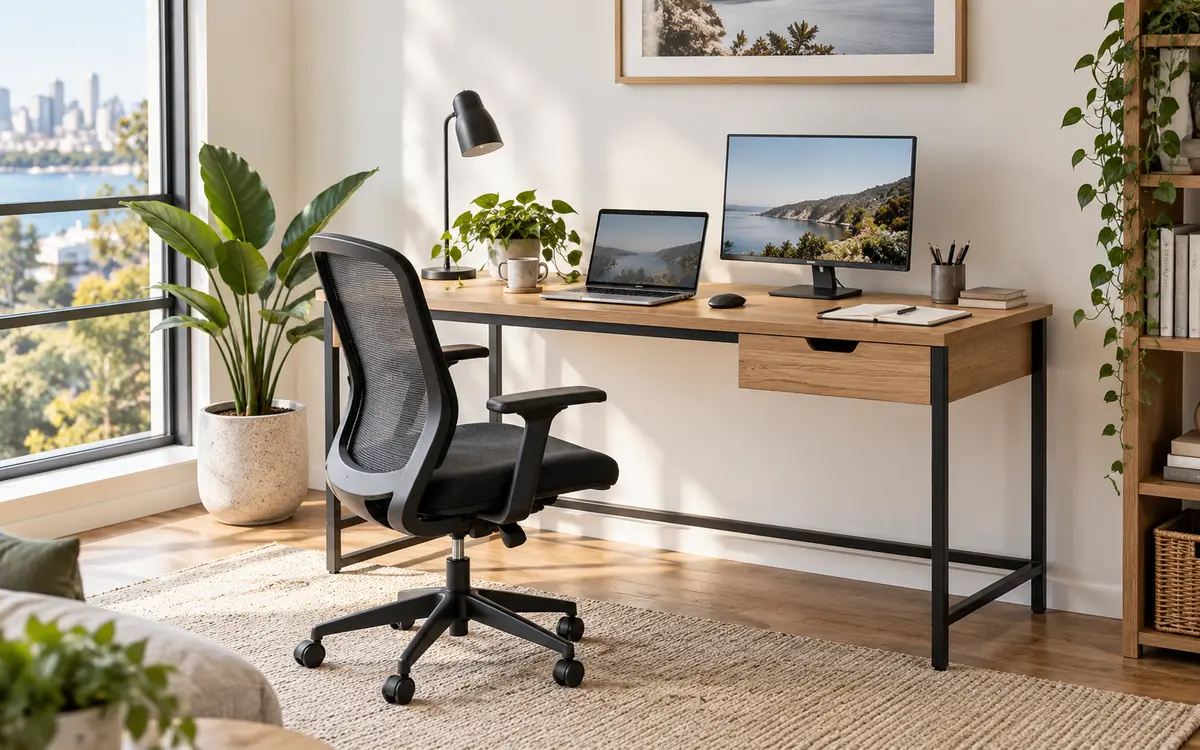
A standing desk can make your workspace more flexible, but choosing the right one involves more than finding a desktop that moves up and down. The desk must fit your room, reach comfortable sitting and standing heights, support your equipment and remain practical every day.
Artiss offers electric standing desks in different finishes and configurations, including streamlined 120 cm workstations, dual-motor designs and models with built-in storage. This guide explains the features worth comparing so you can select a standing desk that suits your space, equipment and working routine.
Start with how you actually work
Before comparing frames and control panels, list what you use during a normal working day. A laptop and notebook need far less room than a monitor, keyboard, docking station, speakers and paperwork. If you regularly work with large documents or creative equipment, you may value a deeper or wider desktop more than extra electronic features.
Think about how often you expect to change position. If you want to move between sitting and standing several times a day, an electric desk makes those changes quick and convenient. A desk that is awkward to adjust is more likely to remain in one position, which defeats the purpose of choosing an adjustable model.
A standing desk is not intended to replace sitting for the entire day. Its main advantage is choice. You can sit for focused tasks, stand for calls or shorter sessions, and continue taking regular movement breaks away from the desk.
Measure your available space
Measure the room before you fall in love with a particular model. Record the available width and depth, then allow clearance for the chair, storage, doors and walkways. Check skirting boards and power points because they may prevent the desk from sitting flush against the wall.
Also look above and below the proposed position. A rising desktop must not collide with a window ledge, shelf or wall-mounted object. Underneath, the moving frame needs clear space around cabinets, power boards and stored items.
Many Artiss standing desks in the Habitura range use a practical 120 cm desktop. That size can suit a monitor-and-laptop setup while remaining manageable in many home offices, but always compare the listed dimensions with your own room rather than relying on the nominal width alone.
Check the minimum and maximum height
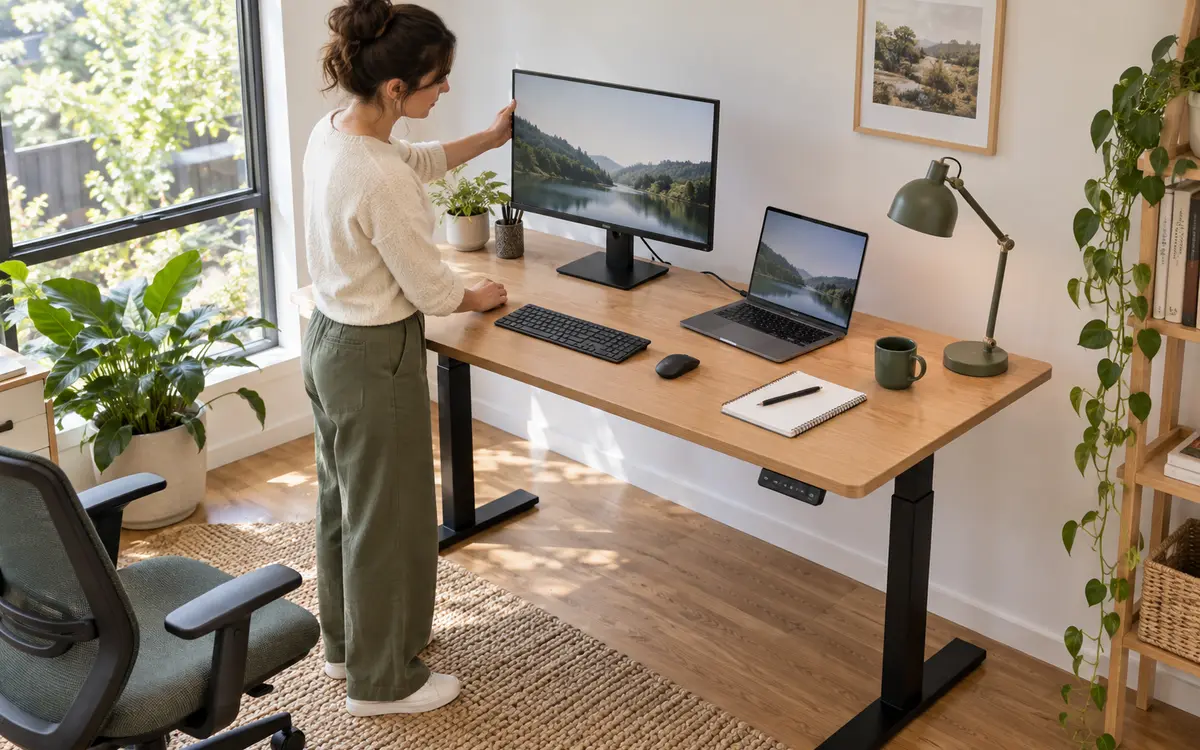
The adjustment range is one of the most important specifications. A desk that does not lower far enough may leave your shoulders raised while sitting. One that does not rise high enough may encourage you to lean forward while standing.
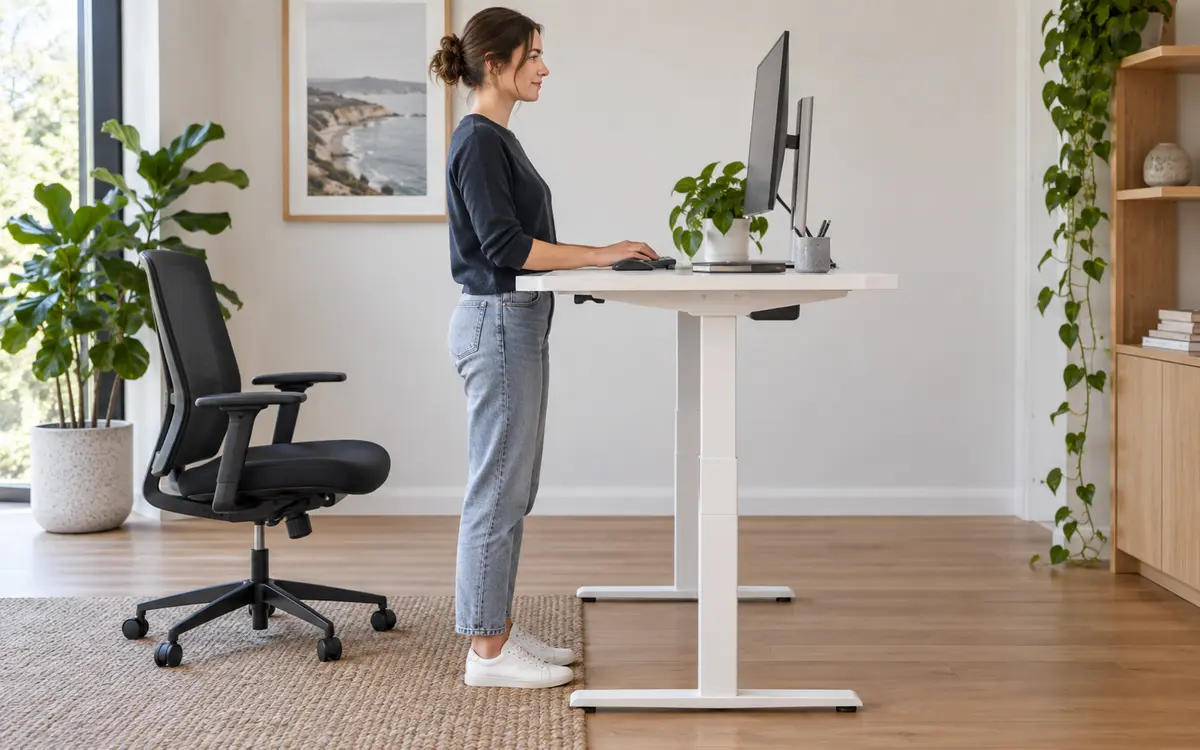
At both heights, aim to keep your shoulders relaxed and your elbows close to your sides while typing. Your forearms should sit approximately level with the desktop, and your wrists should remain in a neutral position. Place the monitor near eye level and far enough away for comfortable viewing.
Your chair and footwear affect these measurements, so there is no single perfect desk height for everyone. If several people will share the workspace, choose a model with an adjustment range that accommodates each user. Memory presets can be useful on shared desks because preferred positions can be recalled without repeated fine-tuning.
Match the desktop to your equipment
Desktop dimensions tell only part of the story. Check the stated load capacity and remember that it must cover everything that moves with the desktop: monitors, arms or stands, computer equipment, lamps, books and accessories.
Estimate the combined weight of your usual setup and leave a sensible margin rather than operating continually at the maximum. If you plan to add another screen later, include that future equipment in your decision now.
Consider where each item will sit. A monitor stand consumes usable depth, while a monitor arm may need a suitable rear edge for its clamp. Some desktop designs or frames may restrict where accessories can be attached, so check compatibility before purchasing.
Understand single- and dual-motor desks
Electric standing desks may use a single motor or a dual-motor system. Both can be suitable when the desk is used within its stated limits. The better choice depends on the complete model, its lifting capacity, adjustment range, speed, noise and intended workload.
A dual-motor design drives both sides of the frame and can be appealing for larger desktops or equipment-heavy setups. A single-motor model may be entirely adequate for a simpler home workstation. Do not choose by motor count alone—compare the manufacturer's specifications for the exact desk.
If your office is close to a bedroom or shared living space, check whether quiet operation is listed. Adjustment only takes a short time, but a smoother, quieter movement can still matter in a peaceful home.
Look for stability throughout the height range
Any desk can feel solid at its lowest position. The more useful question is how the frame behaves when raised. A well-designed base, rigid lifting columns, securely fitted desktop and correctly tightened fasteners all contribute to stability.
Some movement is possible with any tall piece of furniture, particularly if it is placed on soft carpet. Position the desk on an even surface, level the feet if the model provides adjustment and follow the assembly instructions carefully. Keep heavier equipment centred rather than loading everything onto one edge.
Compare controls and useful extras
A basic up-and-down control may be all you need. Other desks add a height display, memory buttons, charging connections or safety functions. Prioritise features that remove friction from your routine rather than paying attention to a long specification list that you may never use.
Storage is another practical difference. A shallow drawer can keep stationery and small accessories off the desktop, while a shelf may raise a monitor or provide a place for frequently used items. Check that storage does not reduce your legroom or interfere with chair armrests when the desk is lowered.
Plan cable management for a moving desk
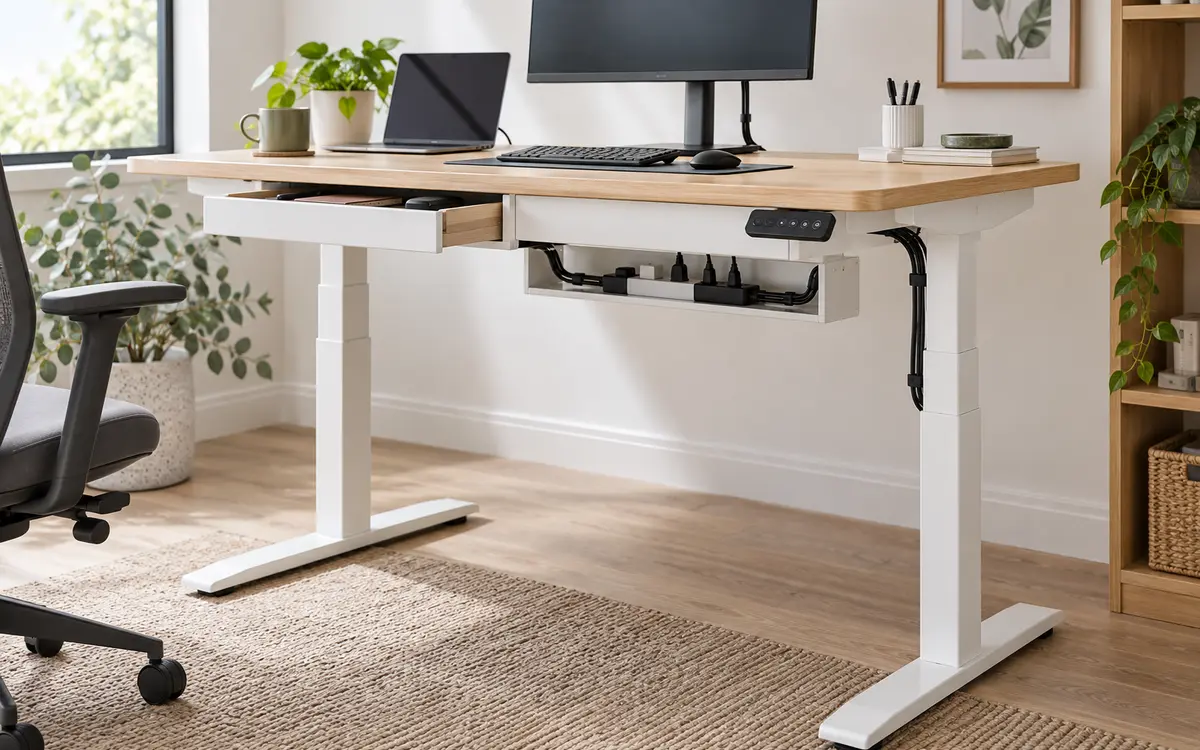
Cables that are tidy at sitting height may become stretched when the desk rises. Test the full route from each device to the power board and wall socket, allowing enough slack for the maximum height without leaving loose loops near your feet.
A cable tray beneath the desktop can hold a power board so most leads move with the desk. Clips or reusable ties can guide the remaining power cable down one leg. Keep all cables clear of the lifting columns and do not allow plugs or adaptors to catch on the frame.
Choose a finish that suits your room
A standing desk is often one of the largest items in a home office, so its finish affects the whole room. Timber-look desktops can add warmth, while white or black finishes create a clean contemporary appearance. Artiss models are available in several neutral combinations that can coordinate with office chairs and storage.
Check the listed desktop material and care instructions. Wipe spills promptly, avoid abrasive cleaners and protect the surface from heat or sharp objects. Before cleaning or inspecting any powered component, switch the desk off and follow the supplied instructions.
Set up the desk gradually
When the desk is assembled, save or note comfortable sitting and standing positions. Begin with shorter standing periods and change position when you become uncomfortable rather than following a rigid timetable. An anti-fatigue mat and supportive footwear may make standing more comfortable, but neither replaces movement and regular breaks.
Recheck your monitor, keyboard and cables at both heights. A setup that looks perfect while seated can change noticeably when raised. Small adjustments during the first week will help you find positions that feel natural.
Standing desk selection checklist
- Measure the room, chair clearance and full rising path.
- List every device and accessory that will sit on the desktop.
- Check the desktop width, depth and stated load capacity.
- Confirm the minimum and maximum heights suit every user.
- Compare the complete motor, speed, noise and control specifications.
- Consider memory presets if the desk will be adjusted frequently or shared.
- Check stability, frame construction and floor placement.
- Choose storage that does not compromise legroom.
- Plan cable lengths and routing through the complete height range.
- Read the current product specifications before ordering.
Find the Artiss standing desk that fits your day
The right standing desk should make changing position simple while comfortably supporting the work you do. Start with fit and height range, then compare capacity, motors, controls, storage and finish. By focusing on your real workspace rather than the longest feature list, you can choose an Artiss desk that remains practical long after the novelty of raising it for the first time.