A well-planned home office can make it easier to focus, stay organised and finish the day without feeling as though work has taken over your home. The right setup is not necessarily the largest or most expensive one. It is the space that fits your room, supports the way you work and keeps the things you use within easy reach.
Whether you are setting up a dedicated study, using part of a spare bedroom or creating a work zone in a living area, the Artiss range gives you plenty of practical options to consider. From compact computer desks and coordinated desk-and-chair sets to motorised standing desks and office storage, you can build a workspace around your available room and daily routine.
Start with the space, not the furniture
Before comparing desks, decide exactly where your home office will go. Look for a position with comfortable natural light, access to a power point and enough separation from busy household areas to help you concentrate. A window can make a small office feel more open, but placing a monitor directly in front of or behind strong sunlight may cause glare. A desk set side-on to the window often gives you softer, more manageable light.
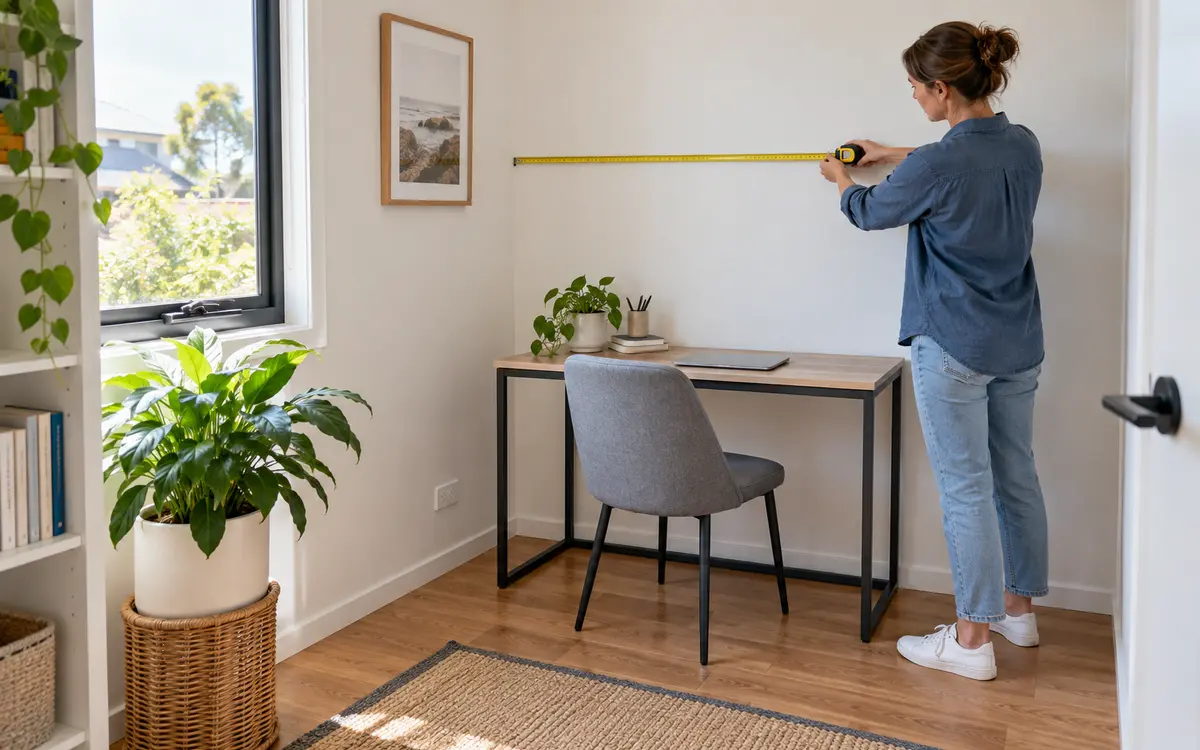
Measure the width, depth and usable height of the area. Remember to allow room for the chair to move backwards, drawers or cabinet doors to open, and people to walk past without squeezing around the furniture. Check skirting boards, window ledges, heating vents and inward-opening doors, as these can reduce the space that is actually available.
Choose a desk for the way you work
Your desk should suit the equipment and tasks you use every day. A compact Artiss desk around 100 cm wide may be enough for a laptop, lamp and notebook, making it a practical option for a bedroom corner or smaller apartment. If you use a separate monitor, keyboard, paperwork or creative equipment, a wider 120 cm desk can provide more comfortable working room.
Think about depth as well as width. Your screen should sit far enough away for comfortable viewing, while still leaving space for the keyboard and your forearms. If you use two monitors, check the desktop dimensions and weight capacity before purchasing rather than assuming every desk will accommodate the same setup.
Artiss computer desks are available in a range of layouts, including streamlined desktops, models with drawers, designs with shelves and complete desk-and-chair sets. Choose useful features rather than simply choosing the desk with the most storage. A drawer for stationery may be valuable, but bulky shelves in the wrong position can reduce legroom or determine which side of the room the desk must face.
Consider a sit–stand setup
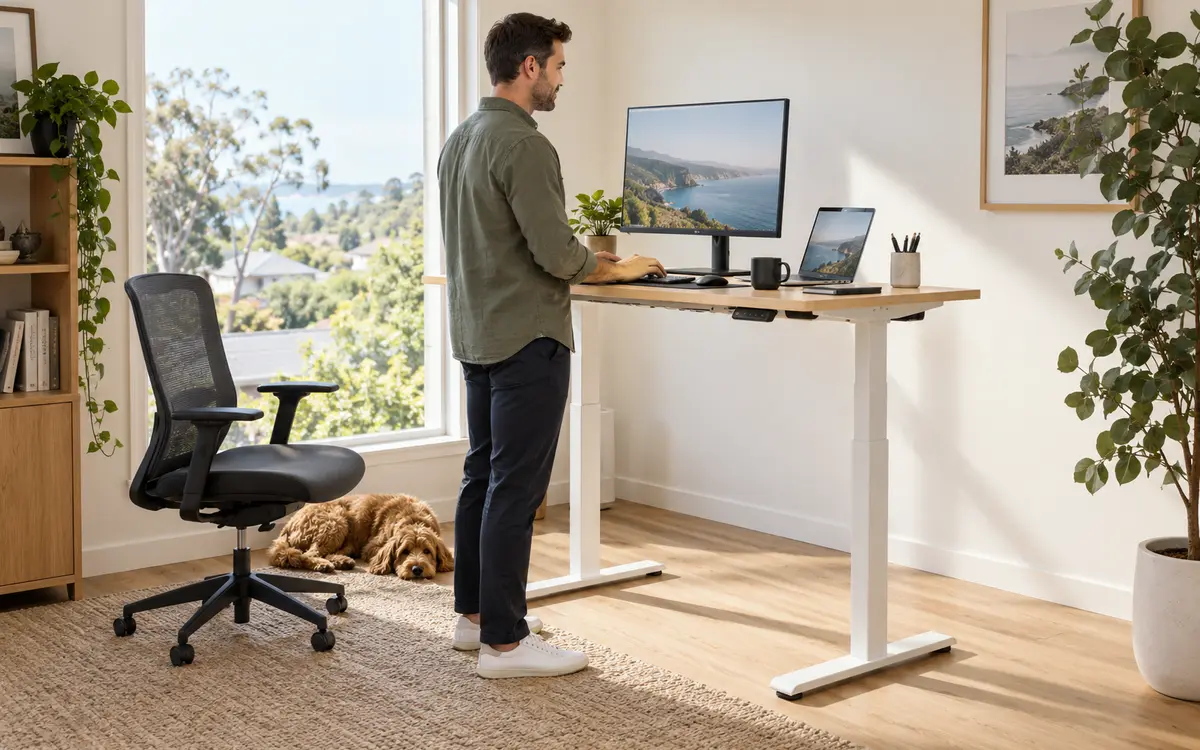
If you spend long periods at your desk, a motorised Artiss standing desk can make it easier to change position during the day. Alternating between sitting and standing is not about remaining on your feet for hours. The benefit is having another comfortable working position available when you want to move.
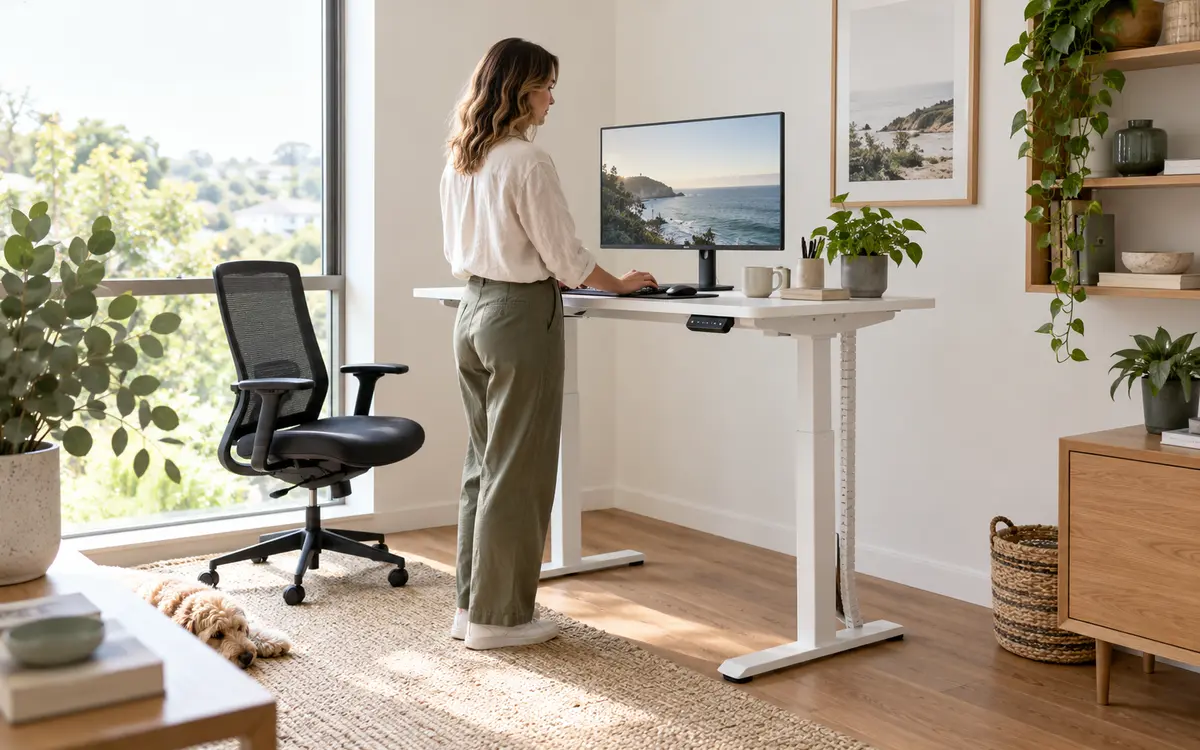
Check the desk's listed height range against your seated and standing positions. When typing, your shoulders should feel relaxed and your elbows should sit close to a right angle. Set the monitor near eye level so you are not continually looking down. If more than one person will use the desk, easy height adjustment can be especially useful.
Pair your desk with the right chair
A good desk cannot compensate for a chair that places you in an awkward position. Choose an office chair that lets your feet rest flat on the floor, keeps your back comfortably supported and allows your arms to reach the keyboard without lifting your shoulders. Height adjustment is particularly helpful because fixed desk heights and individual body proportions vary.
Before ordering, compare the chair's seat height and armrest dimensions with the desk. Armrests that are too high may stop the chair sliding underneath, while an oversized chair can overwhelm a compact room. Artiss desk-and-chair sets can simplify the visual match, but you should still check the listed measurements and adjustment features against your needs.
Plan storage before clutter arrives
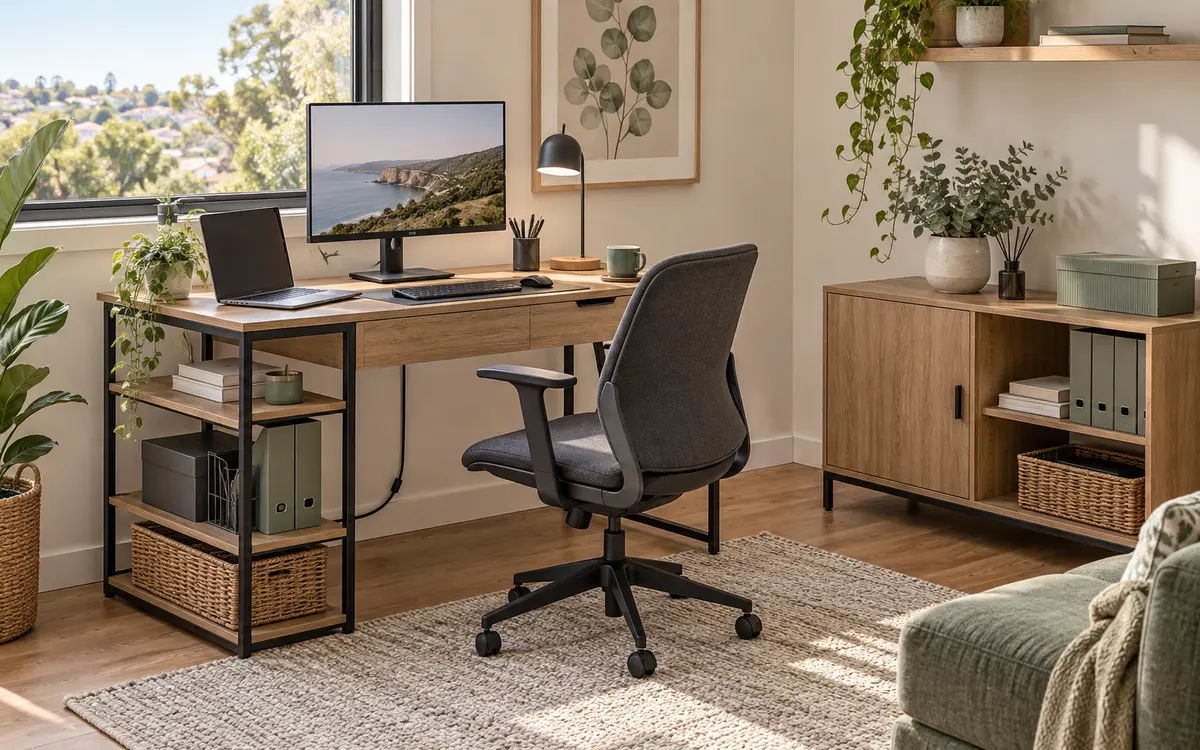
Home offices collect paperwork, chargers and stationery surprisingly quickly. Decide what must stay on the desktop, what needs to be close at hand and what can be stored elsewhere. A desk with a drawer or side shelves can keep daily essentials nearby, while a separate storage cabinet may suit files, printer supplies or items you use less often.
Closed storage creates a calmer appearance in a room that also serves another purpose. Open shelves make frequently used items easier to reach, but they work best when folders, boxes and baskets have a consistent home. Leave some storage capacity free; filling every shelf on day one gives future clutter nowhere to go.
Get lighting and power right
Natural light is welcome, but your office still needs reliable task lighting for cloudy days and evening work. Position a desk lamp so it lights your work without reflecting in the monitor. If you write by hand, placing the lamp on the opposite side to your writing hand can reduce shadows.
Count the devices you need to power and decide where their cables will run before positioning the desk. Keep power boards off walkways, avoid tightly stretching cables and allow extra length if you choose a height-adjustable desk. A cable tray, clips or reusable ties can keep leads together while still making individual devices easy to remove.
Make the office feel like part of your home
Your home office should support work without looking disconnected from the rest of the room. Choose a desk finish and frame colour that complement nearby furniture, then repeat one or two tones through the chair, storage and accessories. Artiss desks in neutral white, black and timber-look finishes can work with many contemporary interiors.
Add personality selectively. A plant, framed print or small object can make the space more inviting, but keep the main working surface clear. If your office shares a bedroom or living area, a tidy cabinet and restrained colour palette can help the workspace settle back into the room after hours.
Your home office checklist
- Measure the available width, depth and chair clearance.
- Check doors, windows, skirting boards, vents and power points.
- List the equipment that must fit on the desktop.
- Choose between a compact, full-size or sit–stand desk.
- Compare desk and chair measurements before ordering.
- Plan storage for everyday items and less frequently used supplies.
- Allow for task lighting and safe cable management.
- Check each product's current dimensions, materials and features.
Create a workspace that works for you
The perfect home office is the one that removes small frustrations from your day. Start with accurate measurements, choose a desk around your real workload and add comfortable seating, useful storage and suitable lighting. With Artiss options for compact rooms, larger workstations and flexible sit–stand setups, it is easier to create a productive space that still feels at home.